 how-to
How to Order Fast Turnaround Custom Screen Printing
Table of Contents
- What Determines Fast Turnaround Custom Screen Printing
- Screen Printing Turnaround Time: Realistic Deadlines and Capacity
- How to Prepare a Screen Printing Order for Rush Production
- Screen Printing Rush Order Cost and Pricing Strategy
- Screen Printing vs. DTG and DTF for Rush Orders
- Quality Control and Approval Process for Fast Orders
- Common Mistakes That Delay Rush Screen Printing Jobs
- Frequently Asked Questions
Last Updated: October 9, 2026
What Determines Fast Turnaround Custom Screen Printing
Fast turnaround custom screen printing depends on several interconnected factors. At Logo Concepts & Printing, we've spent over 25 years in the industry, and the reality is more nuanced than "fast" versus "slow." Speed hinges on production capacity, artwork readiness, garment availability, and printing method.
The first factor is your supplier's in-house capabilities. On-site graphic design staff, ready screen printing equipment, and stocked blank garments shrink turnaround dramatically, no waiting on external designers or overseas inventory. The second is artwork readiness. A print-ready file moves straight to production; revisions, color corrections, or format conversions add days.
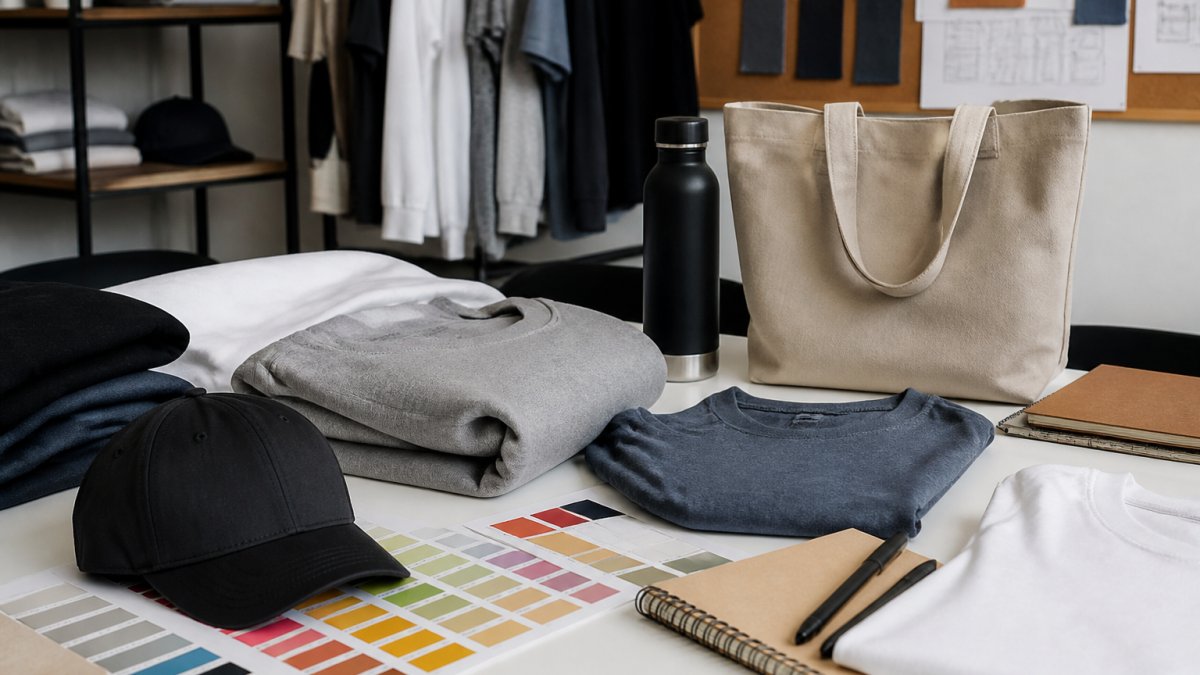
Garment selection matters too. Common sizes and colors in standard T-shirts, sweatshirts, and polos sit in inventory; specialty items, unusual sizes, or rare colors require lead time. Finally, the printing method determines speed, screen printing, DTG, DTF, and vinyl each have different setup times and production speeds.
Screen Printing Turnaround Time: Realistic Deadlines and Capacity
Screen printing turnaround time varies wildly depending on order complexity and current production load. Most providers complete a rush order in 3-5 business days if artwork is ready and items are standard. Promised 24-48 hour turnaround is realistic only for very small quantities with single-color designs on in-stock garments.
Production capacity is the hidden constraint. At full capacity, even a "rush" order queues behind existing commitments, an order placed Monday might not start until Wednesday. A provider at 60% capacity can often absorb a rush job; one at 95% cannot, no matter what you pay.
Order size affects turnaround too. A 12-shirt order with a simple design moves through production in hours once it starts. A 500-shirt order with multiple colors and placements requires more setup, quality checks, and handling. Going from 50 to 150 units might add a day; 200 to 500 might add three.
Approval delays cost real time. Reviewing proofs, requesting changes, and reapproving artwork typically takes 1-2 business days minimum, build that into your deadline. Some providers offer expedited approval by phone instead of email chains; worth asking about if speed is critical.
How to Prepare a Screen Printing Order for Rush Production
Getting your screen printing order ready for rush production requires a methodical checklist. The better prepared you are before submitting, the faster your order moves without delays or rework.
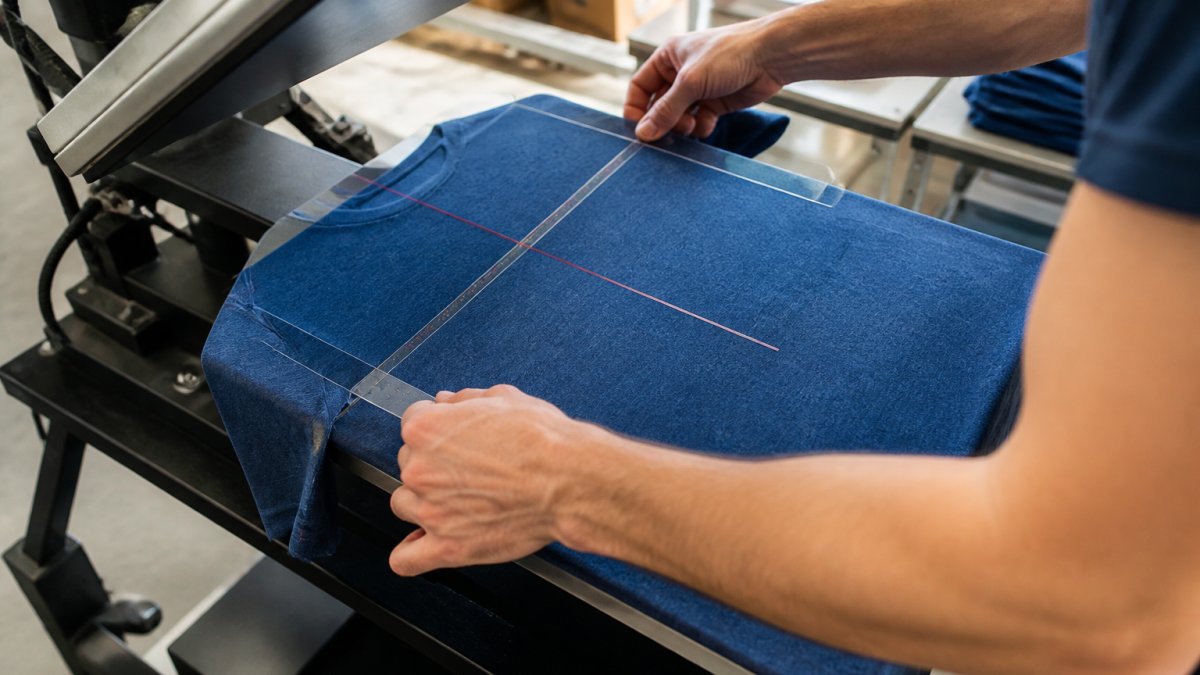
Define your project scope clearly. Decide garment type, color, quantity, and placement before contacting your provider. Vague requests like "we need branded shirts for our team" add back-and-forth time; specific requests like "50 navy blue Gildan 18500 sweatshirts, 4-inch logo centered on chest, white ink" let your provider quote and schedule immediately.
Next, prepare your artwork in the correct format and resolution. Screen printing requires vector files (Adobe Illustrator .ai or .eps) or high-resolution raster images (300 DPI minimum). Artwork that's too small, too low resolution, or in the wrong format requires conversion or redrawing, delaying production.
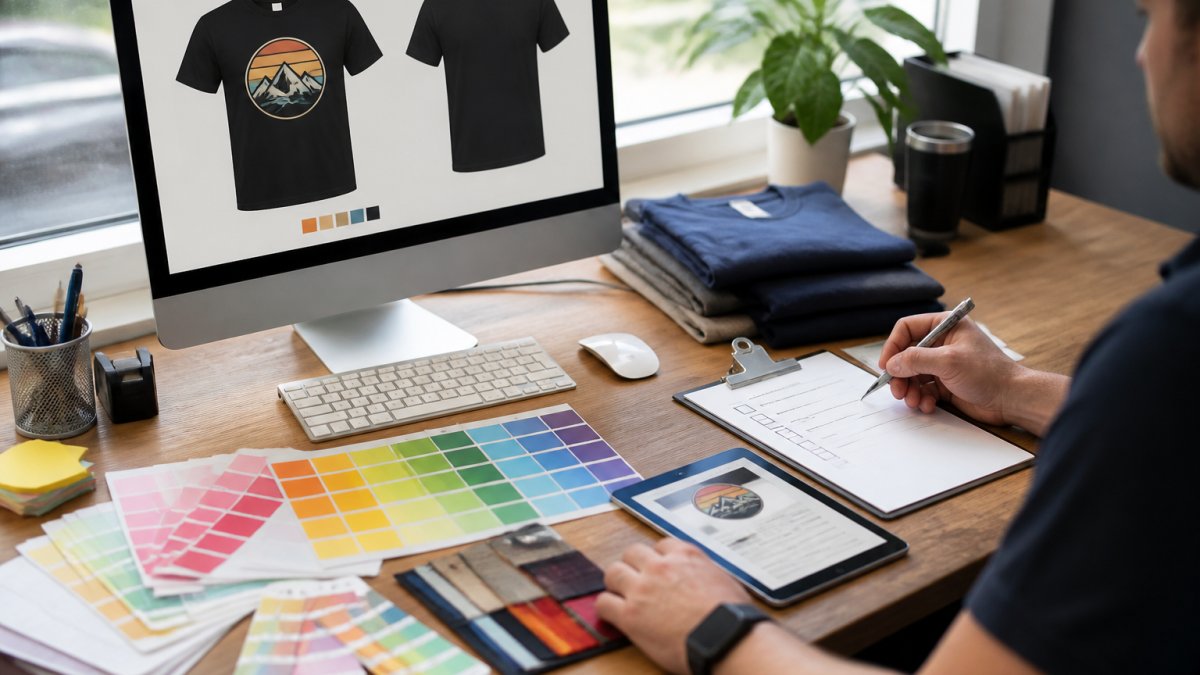
Confirm garment availability in your chosen style, color, and size range. If your provider doesn't stock it, ordering adds 5-10 business days minimum. Ask directly: "Do you have 50 medium navy Gildan 18500 sweatshirts in stock right now?" A yes means production starts immediately; a no means adjusting your timeline or garment.
Artwork Requirements for Screen Printing
Your artwork file is the foundation of your order. Screen printing artwork requirements are stricter than digital methods because the process uses physical screens and ink layers.
Vector files are the gold standard. Adobe Illustrator (.ai or .eps) files with clean line work and solid colors scale to any size without quality loss and separate cleanly into color layers. If you're using a designer, specify vector files for screen printing, not raster images.
Raster images (JPG, PNG) work only at high resolution, minimum 300 DPI at print size. A 4-inch-wide logo needs to be 1,200 pixels wide. Anything smaller pixelates when enlarged. If you only have a low-resolution logo, your provider may need to redraw it in vector format, costing money and time.
Color separation is critical. Each color requires a separate screen and ink layer, so 1-2 color designs print faster than 4-6 color designs. A full-color photograph requires DTG printing or a specialized, costlier, slower process. Be realistic about color count if you're targeting fast turnaround.
File Format and Resolution Checklist
Use this checklist to verify your artwork is production-ready before submitting your order:
- File format is .ai.eps, or .pdf (vector preferred)
- If raster file: minimum 300 DPI at print size
- All text is outlined or converted to curves (not editable text)
- Color mode is CMYK, not RGB
- No embedded fonts, fonts are outlined
- Bleed area included (0.125 inches beyond final size)
- File size under 50 MB
- Filename includes version number (logo_v3_final.ai, not logo.ai)
- Color count is 1-4 colors (more than 4 extends turnaround)
- Artwork is positioned correctly for intended placement
Artwork matching this checklist moves directly to production; anything failing these items requires rework first.
Screen Printing Rush Order Cost and Pricing Strategy
Rush orders cost more. The question is how much more, and whether it fits your budget.
Standard pricing assumes normal capacity and 7-10 business day turnaround. Rush orders compress that timeline, meaning overtime, delayed orders, or both. The premium varies by urgency: a 5-day turnaround might add 15-25% to base cost; a 2-day turnaround might add 50-100%.
Quantity affects rush pricing disproportionately. A rush fee for 24 shirts is often flat ($50-100); for 250 shirts it might be percentage-based (e.g., 25% of the order). Small orders squeeze into production gaps for less; large orders require rescheduling for more.
Setup costs don't disappear on rush orders. Screen printing requires creating a screen for each color, taking time and materials regardless of speed. A single-color design has lower setup than a four-color one. To hit fast turnaround at lower cost, simplify your design.
Garment availability affects pricing. In-stock garments print immediately at standard rush pricing; special-order garments require vendor lead time your provider cannot compress. If a garment must be ordered first, you're not getting a true rush, you're waiting for inventory, then production.
Screen Printing vs. DTG and DTF for Rush Orders
Different printing methods have different speed profiles. Screen printing isn't always fastest, and understanding the trade-offs helps you choose correctly.
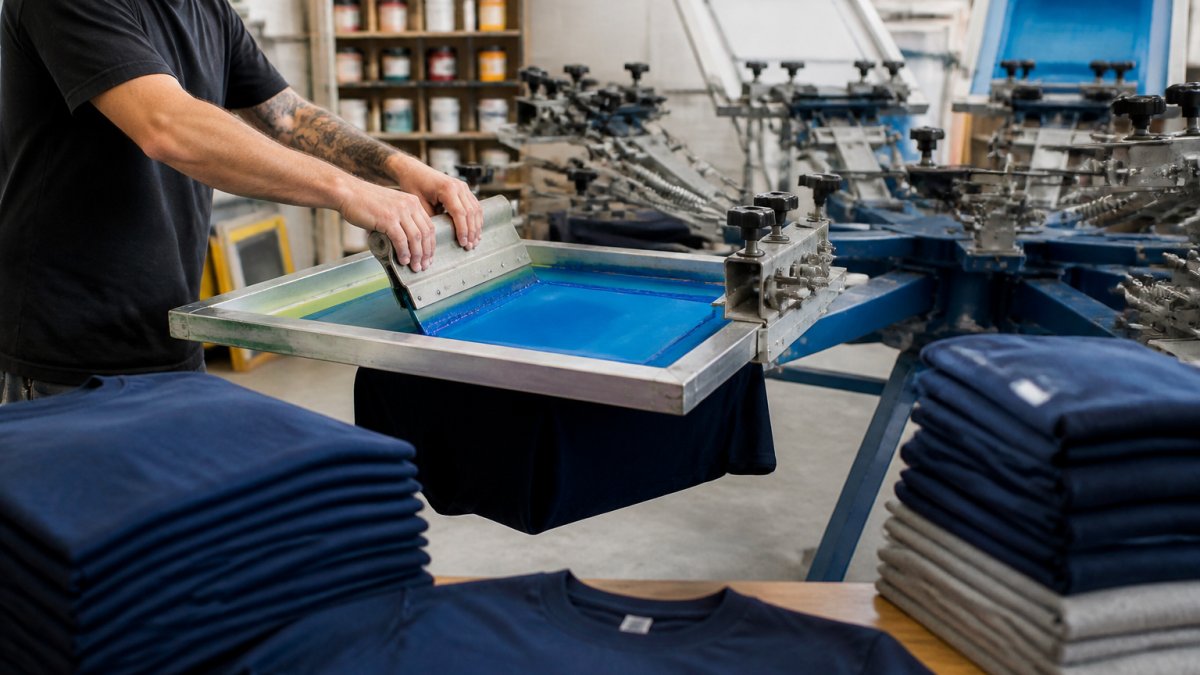
Screen printing requires setup time (creating screens) but runs fast once production starts. A 100-shirt single-color order can print in a few hours; a four-color design takes longer since each color needs a separate screen and ink layer. Setup is the bottleneck on small orders; on large orders, fast per-unit printing keeps total time reasonable.
DTG (Direct-to-Garment) printing skips screen setup entirely, applying ink directly to the garment like an inkjet printer. This makes DTG faster for small orders and complex, full-color designs, a 12-shirt order with a photorealistic image prints faster than screen printing.
DTF (Direct-to-Film) printing transfers designs from film to garment using heat. Newer and gaining adoption, it's faster than DTG for full-color designs and competes with screen printing on speed for simple ones. DTF works on a wider range of fabrics than DTG, but is less standardized, so availability varies by provider.
For rush orders under 50 units with complex designs, DTG often wins. Over 100 units with simple designs, screen printing usually wins. For 50-100 units with moderate complexity, it depends on your design and your provider's equipment.
Quality Control and Approval Process for Fast Orders
Quality doesn't have to suffer on rush orders, but the approval process must be simplified to avoid delays.
Most providers offer a proof before production, a mockup of your design on the chosen garment. On a rush order, request digital proofs instead of physical samples. Digital proofs arrive in hours; physical proofs require printing, shipping, and review, losing days. Digital proofs are accurate enough for approval.
Set a clear approval deadline when you submit your order: "I need approval by 2 PM tomorrow, or I'll approve the digital proof as-is." This prevents endless revisions that delay production. Most rush orders succeed because decision-makers choose fast, not because the provider is magically faster.
Quality checks should focus on color accuracy, placement, and print durability. Don't request design changes during production, that's what the approval phase is for. Once production starts, changes cost time and money.
Ask what your provider's quality guarantee covers. Do they reprint if colors don't match? Replace garments if the print peels or fades? A confident provider offers clear guarantees, and on a rush order, knowing your recourse matters.
Common Mistakes That Delay Rush Screen Printing Jobs
Most delays on rush orders aren't caused by the provider, they're caused by the customer. Knowing what to avoid saves days.
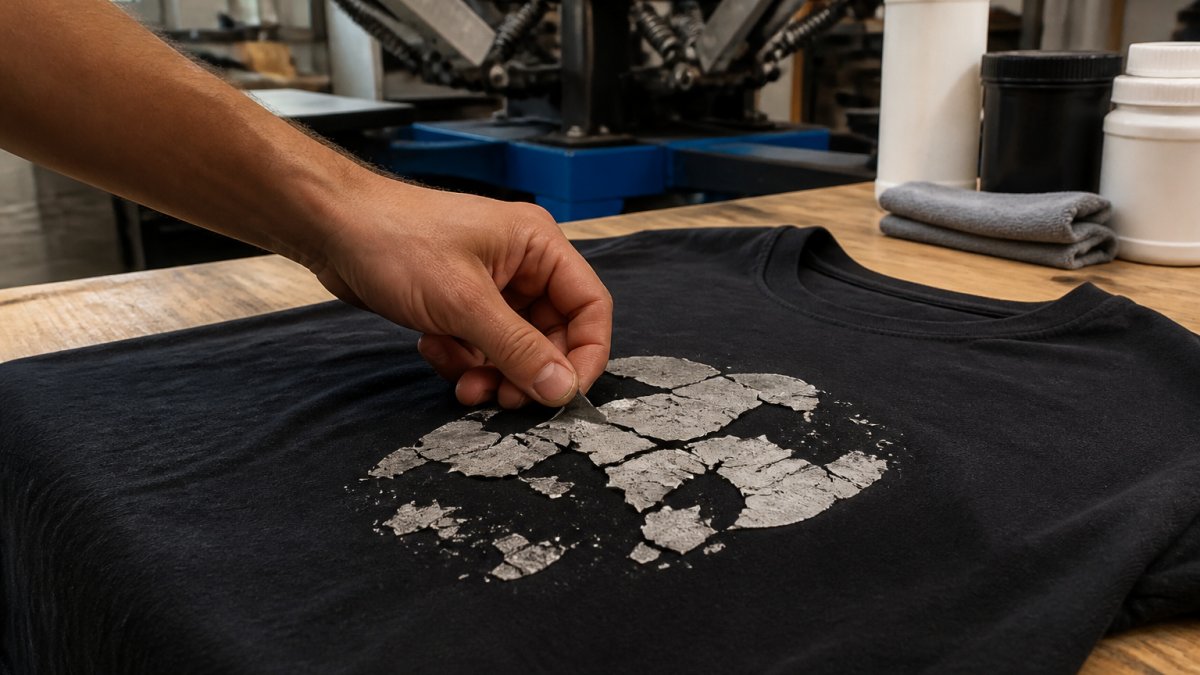
Submitting artwork that's not print-ready is the biggest culprit.
Changing your mind about garment choice after ordering forces a restart. Switching from navy to heather gray means a new garment order if heather gray isn't stocked.
Underestimating your quantity is another common mistake. Order 50 shirts, realize you need 75, and the 25-shirt reorder goes to the back of the queue as a new, small order.
Requesting design changes during production halts everything, the press stops, screens or settings adjust, and production restarts.
Not confirming production start date in writing leaves you guessing. A provider says "we'll get to it tomorrow," but full capacity pushes your start to the next day.
Ignoring file format specifications is surprisingly common. Your provider says "vector files only," and you send a PDF, which can contain hidden raster images. Provide exactly what your provider requests.
Ordering fast turnaround custom screen printing successfully comes down to preparation, clear communication, and realistic expectations.
Logo Concepts & Printing has handled thousands of rush orders over 25+ years. We maintain in-house graphic design and stock thousands of blank garments for expedited requests.
Frequently Asked Questions
How quickly can custom screen printing be completed?
Fast turnaround custom screen printing typically takes 3-7 business days for rush orders, depending on order size, design complexity, and garment selection. Same-day or next-day turnaround is possible for small orders with simple designs and in-stock blank apparel. Expedited timelines depend on your provider's production capacity and whether your artwork is ready before the order deadline. Contact your printer directly with your specific deadline to confirm feasibility.
What affects the screen printing turnaround time for my order?
Screen printing turnaround time depends on order quantity, number of colors in your design, garment availability, artwork approval speed, and current production capacity. Large bulk orders take longer because screens must be prepared for each color. Rush fees apply when you request expedited production. Delays often occur when artwork files are incomplete or require revision, submitting print-ready files upfront cuts days off your timeline.
Is rush screen printing more expensive?
Yes, screen printing rush order cost includes expedited production fees, which vary by deadline urgency and order size. Smaller orders typically carry higher per-unit rush costs because setup time remains constant. Pricing depends on quantity, dates, and delivery method, so request a quote from your provider with your exact deadline and order details. Bulk orders may qualify for better pricing even with rush fees applied.
What artwork requirements for screen printing do I need to meet?
Artwork requirements for screen printing include vector files (AI, EPS, or PDF), high-resolution raster files (300 dpi minimum), clear color separation, and exact placement specifications. Files must show logo placement, size, and color choices. Provide a mockup or reference image if possible. Avoid low-resolution images or complex gradients that don't translate well to screen printing. Your provider's design team can assist with file preparation if needed, though this may extend turnaround time.